 EasyAdminBlazor


Localization
Overview
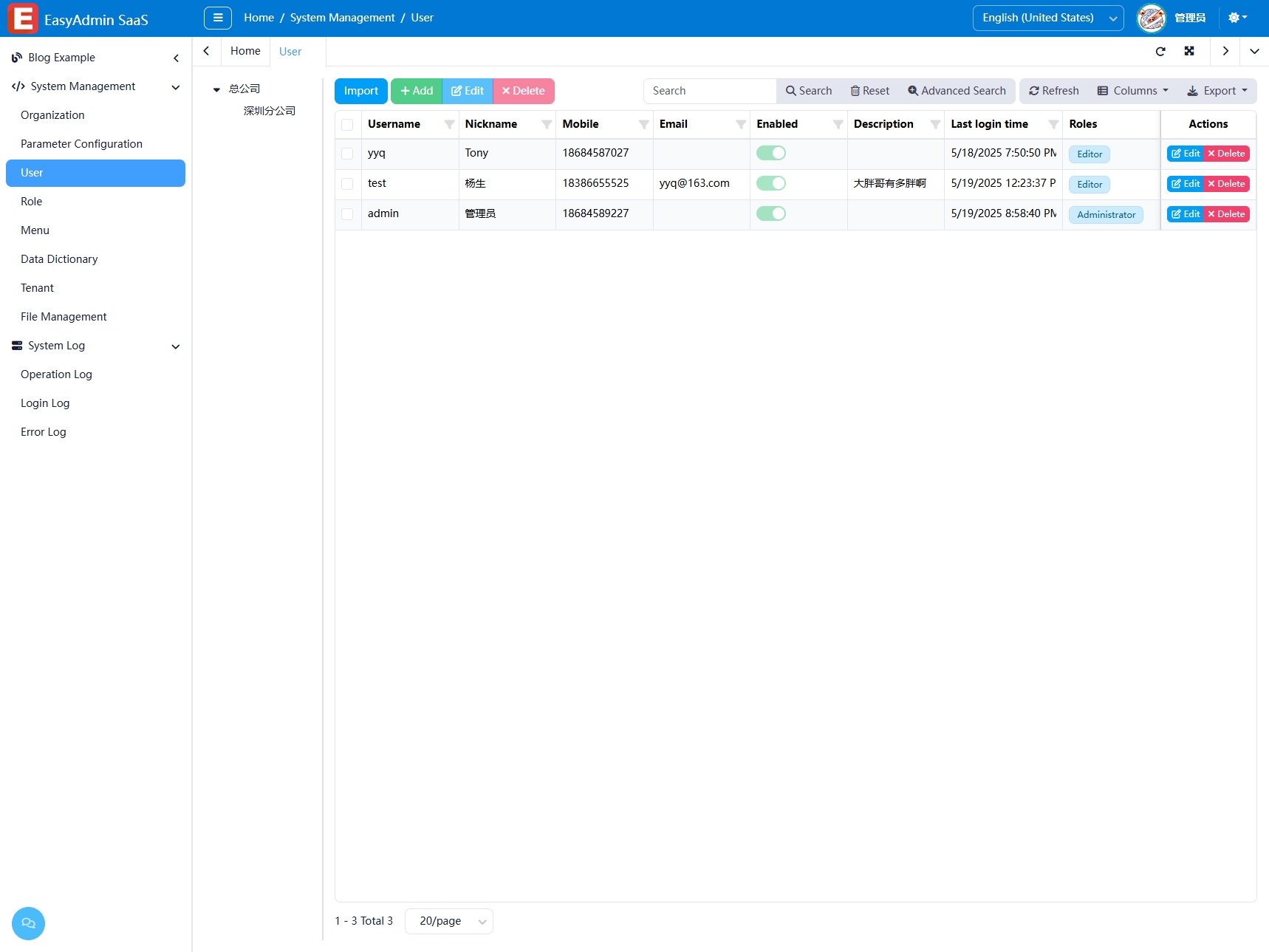
The Localization module allows the system interface to dynamically switch languages at runtime, meeting internationalization needs. It is implemented based on BootstrapBlazor's localization mechanism, providing a language switcher via the CultureChooser component in the upper-right corner of the interface. Language switching takes effect immediately without restarting the system.
Usage
Enabling Localization
Configure in Program.cs:
builder.AddEasyAdminBlazor(new EasyAdminBlazorOptions
{
    EnableLocalization = true,
    ...
});
Switching Languages
Click the target language in the language selector at the upper-right corner of the page, and the interface language switches immediately.
Adding a New Language
No code modification is needed. Simply add the corresponding translation resources to the language resource files. BootstrapBlazor will automatically read and display the available language options.
Configuration
if (options.EnableLocalization)
{
    builder.Services.AddRequestLocalization<IOptionsMonitor<BootstrapBlazorOptions>>((localizerOption, blazorOption) =>
    {
        var supportedCultures = blazorOption.CurrentValue.GetSupportedCultures();
        localizerOption.SupportedCultures = supportedCultures;
        localizerOption.SupportedUICultures = supportedCultures;
    });
}
Related Components/Services
CultureChooser— Language switching UI componentCommonLocalizer— Localization serviceBootstrapBlazorOptions— Configures the list of supported languages